Create. Direct. Animate. Assemble.
Your Idea. Your Direction. Your Visual.
Wellie Visual Studio gives creators more control over AI imagery and short-form video. Build scenes visually, guide poses and composition, create storyboards, animate individual shots, and assemble complete social content in one creative workspace.
Images • Creator References • UGC • Storyboards • AI Video
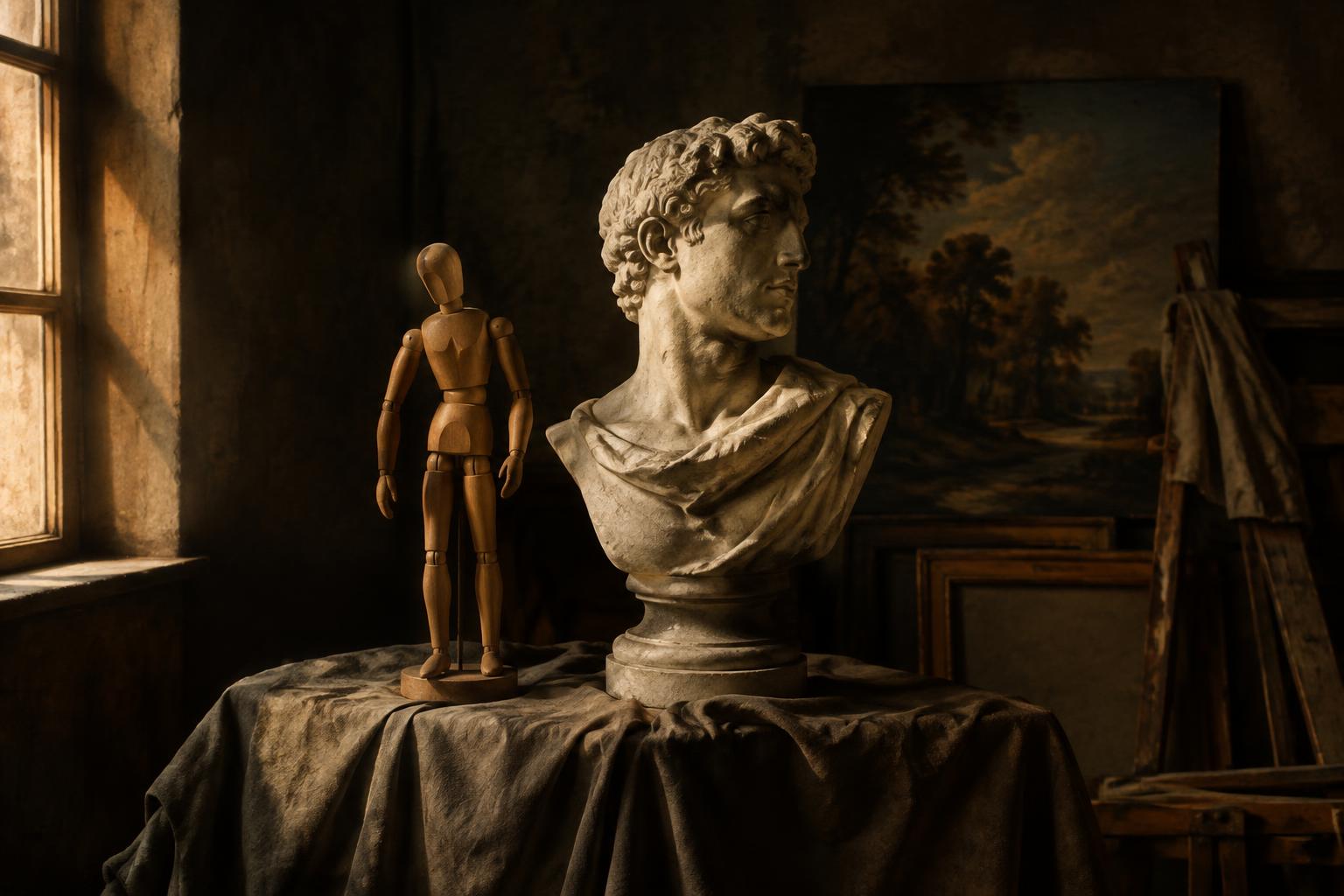
Don't just prompt it. Direct it.
Traditional AI image tools begin with an empty prompt box. Wellie Visual Studio gives you a structured visual workflow for controlling the creative direction.
What you can create
Six studios. One workspace.
Image Studio
Turn ideas into polished visual concepts using structured creative controls.
- Prompt creation
- Style presets
- Aspect ratios
- Lighting
- Composition
- Scene controls
- Variations
Reference Studio
Guide AI with reference images while controlling what matters to the composition.
- Reference image upload
- Composition influence
- Lighting reference
- Color reference
- Framing
- Style reference
- Reference strength
Creator Studio
Create social-ready creator scenes without building every shot from scratch.
- Creator poses
- Talking-head compositions
- Product placement
- Phone/app scenes
- Lifestyle environments
- Expressions
- Social framing
Storyboard Studio
Turn scripts and campaign ideas into visual shot plans.
- Script-to-shot planning
- Shot descriptions
- Pose recommendations
- Scene recommendations
- Framing
- Storyboard generation
Motion Studio
Turn approved images into video-ready shots.
- Creator movement
- Camera movement
- Shot duration
- Performance direction
- Product movement
- Image-to-video prompts
Campaign Assembler
Bring approved clips together into a complete short-form creative.
- Multi-shot timeline
- Preferred clip versions
- Text overlays
- Music
- Voiceover
- Transitions
- CTA cards
- Final campaign render
From idea to finished visual.
Describe the Idea
Start with a campaign brief, a script, or a single visual concept.
Build the Scene
Choose environments, lighting and composition with visual controls.
Direct the Shot
Set pose, framing, camera angle and expression — no prompt gymnastics.
Generate the Image
Produce polished stills and variations, kept private to you.
Add Motion
Plan creator and camera movement, then animate approved shots.
Assemble the Story
Combine clips, overlays, music and CTA into a finished campaign.
Direct the shot without writing a paragraph.
Use visual controls for pose, framing, camera angle, expression, scene, lighting, and product placement.
Build the story before spending on the render.
Create storyboard images first. Approve the creative direction. Then animate only the shots you want — reducing wasted AI video generations.
Built for short-form creative.
- 9:16 creative
- Hook builder
- Product demonstrations
- Creator testimonials
- Text-safe framing
- CTA planning
- Multi-shot assembly
Your work stays organized — and private.
Multiple generation engines. One creative workflow.
Wellie Visual Studio is designed to work across multiple AI generation technologies so creators can focus on the work rather than the underlying model.
Pricing
Image and video generation use credits based on the type of render selected.
Questions, answered.
What is Wellie Visual Studio?
An AI-powered visual creation workspace for artists, creators, marketers and designers — combining image creation, visual direction, storyboards, motion and campaign assembly in one place.
Is this just an AI image generator?
No. Instead of starting from an empty prompt box, you direct scenes visually: pose, framing, lighting, composition and motion — then generate, animate and assemble.
Can I create video?
Yes. Approved storyboard images can be animated into short clips, then assembled into complete short-form campaigns.
Can I use reference images?
Yes. Upload references and control their influence on pose, composition, lighting, color and style.
Can I create UGC content?
Yes — creator poses, product placement, text-safe framing, hooks and CTAs are built for TikTok, Reels and Shorts.
Can I use my own product images?
Yes. Product and app screenshots can be placed into generated scenes privately.
Can I save projects and variations?
Everything is saved: prompts, collections, campaign projects, shot versions and full render history.
How do generation credits work?
Image and video generation use credits based on the type of render selected. Failed renders are never charged.
Can I download my creations?
Yes. Images, video clips and final campaign renders can be downloaded at any time.